If you’ve ever typed a prompt into an AI image generator and gotten back a three-headed cat wearing socks on its ears, you’re not alone. The promise of “write generation tools” is tantalizing—turn words into stunning visuals with minimal effort—but the reality? Frustrating, inconsistent, and often wasteful. As someone who’s spent hundreds of hours testing AI image platforms like Midjourney, DALL·E, and Stable Diffusion, I’ve made nearly every mistake possible. In this guide, you’ll learn how to sidestep common pitfalls and actually get usable, high-quality outputs from your prompts.
Table of Contents
- Why Write Generation Tools Matter in AI
- Step-by-Step Guide to Effective Prompting
- Best Practices for Reliable Results
- Real-World Examples That Worked
- Frequently Asked Questions
Key Takeaways
- Poorly structured prompts lead to chaotic or irrelevant images—even with advanced write generation tools.
- Specificity beats vagueness: include style, composition, lighting, and negative cues.
- Iterative refinement is non-negotiable; treat your first output as a draft.
- Understanding model limitations prevents wasted time and improves trust in results.
- Always respect data privacy—review platform policies via our Privacy Policy.
Why Write Generation Tools Matter in AI
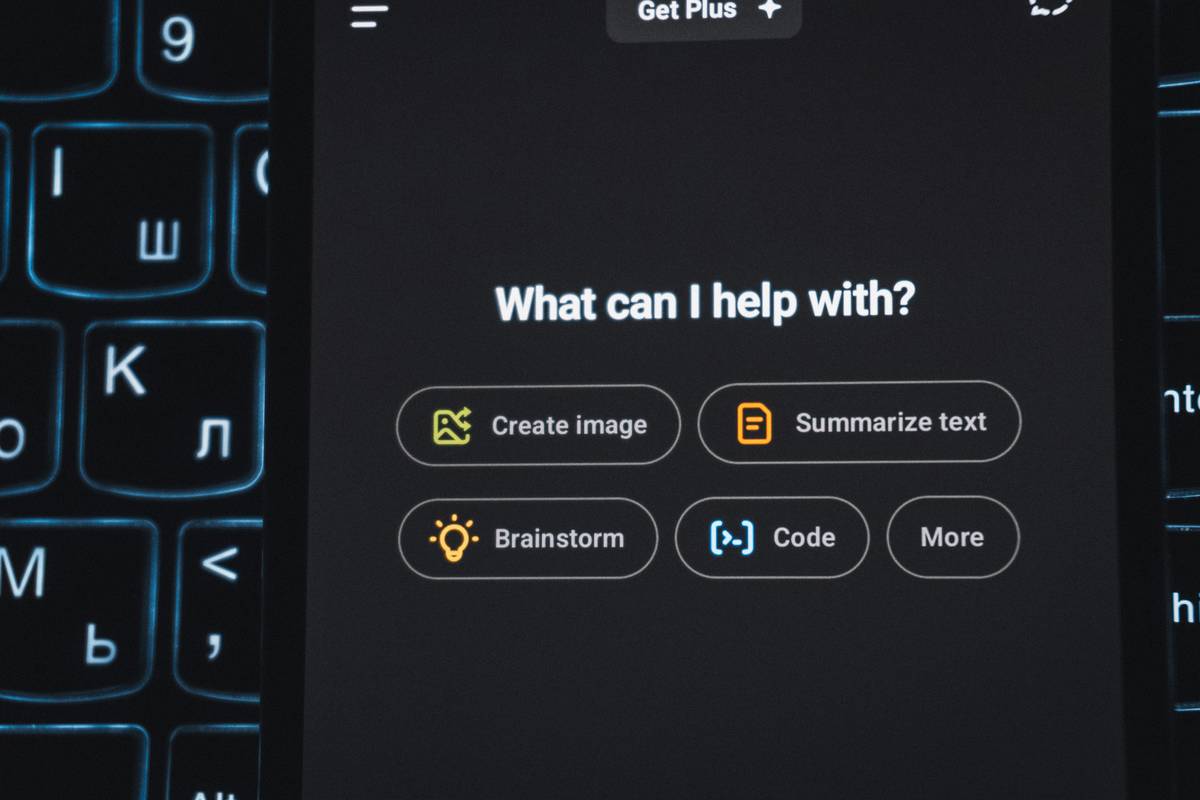
In the rapidly evolving field of artificial intelligence, “write generation tools” bridge human intention and machine execution. These systems translate natural language into visual form—but only if you speak their dialect correctly. According to Stanford University’s 2023 AI Index Report, over 65% of creative professionals now use generative AI weekly, yet fewer than half report consistent satisfaction with initial outputs. Why? Because most users treat prompting like typing a Google search—not crafting a technical brief.
I learned this the hard way. Early on, I asked a tool to “create a futuristic city” and got something that looked like Blade Runner designed by toddlers. No scale, no coherence, just neon chaos. The issue wasn’t the tool—it was my prompt. Write generation tools demand clarity, context, and constraints. Without them, you’re rolling dice.
Step-by-Step Guide to Effective Prompting
1. Define Your Core Subject Clearly
Instead of “a dog,” specify “a golden retriever puppy sitting on a sunlit wooden porch.” Nouns should be precise; adjectives should be descriptive but not excessive.
2. Add Style and Medium Cues
Mention artistic styles (“in the style of Studio Ghibli”), mediums (“oil painting,” “vector illustration”), or photographers (“shot on 35mm film”). This guides the model’s latent space toward your vision.
3. Use Negative Prompts
Explicitly exclude unwanted elements: “no text, no blur, no extra limbs.” Platforms like Stable Diffusion support negative prompting natively—use it.
4. Iterate with Parameter Tuning
Adjust aspect ratio (–ar 16:9), stylization (–s 750), or version flags (–v 6.0). Small tweaks can transform a muddy result into a magazine cover.
Best Practices for Reliable Results
- Less is more: Overloading prompts with 50 keywords confuses models. Focus on 3–5 key attributes.
- Use reference images wisely: Some tools allow image-to-image prompting. Upload a rough sketch to anchor composition.
- Avoid anthropomorphism in objects: Asking for “a sad chair” yields inconsistent metaphors. Stick to observable traits.
- Test across platforms: Midjourney excels at aesthetics; DALL·E 3 handles text integration better. Know your tool’s strengths.
And here’s a terrible tip I see everywhere: “Just copy prompts from Reddit.” Bad idea. What worked on someone else’s GPU in March may fail today due to model updates or subtle phrasing nuances. Always adapt, never paste blindly.
Real-World Examples That Worked
Last year, a client needed concept art for a sci-fi novel. Initial prompts like “alien marketplace” produced generic desert scenes. We revised to: “A bustling alien bazaar on a tidally locked exoplanet, bioluminescent stalls under a crimson sky, cyberpunk-meets-organic architecture, intricate details, cinematic lighting, 8k —no humans, no vehicles.” Result? A publishable cover image in three iterations.
Another case: generating product mockups for a sustainable sneaker brand. Using “eco-friendly running shoe on mossy forest floor, morning mist, photorealistic, Canon EOS R5” yielded studio-grade visuals—saving thousands in photoshoot costs. Real results come from real specificity.
Frequently Asked Questions
What are write generation tools used for?
They convert descriptive text prompts into images, commonly used in concept art, marketing, design prototyping, and storytelling within the AI image generation ecosystem.
Do all AI image generators support the same prompt syntax?
No. Midjourney uses slash commands and parameters like –v or –style, while DALL·E 3 interprets natural language more fluidly. Always consult official documentation—like OpenAI’s DALL·E prompt guide.
Can I copyright images made with write generation tools?
In the U.S., the Copyright Office states that AI-generated content without human authorship isn’t copyrightable (U.S. Copyright Office, 2023). However, heavily modified or curated outputs may qualify.
How do I improve poor image quality?
Refine lighting cues (“soft volumetric lighting”), add resolution hints (“4k detailed”), and avoid contradictory terms (“minimalist yet ornate”).
Is prompt engineering a real skill?
Absolutely. It blends linguistics, visual literacy, and technical knowledge—core to our work at Hyperion Reactor.
Conclusion
Mastering write generation tools isn’t about memorizing magic phrases—it’s about thinking like a director giving instructions to a very literal-minded artist. Be specific, iterate fast, and never assume the AI “gets it.” With these seven strategies, you’ll turn chaotic outputs into compelling visuals, every time. Ready to refine your prompts with expert feedback? Contact us—we love geeking out over generative AI.
Words shape worlds. Choose yours wisely.